Full-stack product · Project overview
Messio — managing meals and shared-kitchen expenses
A shared-kitchen application for planning meals, coordinating members, and turning shared expenses into monthly balances. I built and run it for the routines my flatmates and I share.
- Role
- Design, development, deployment & maintenance (solo)
- Stack
- Next.js · TypeScript · MongoDB
- Use & status
- Started October 2025; in use since November 2025. Now used by 10+ people.
Product walkthrough
Messio in use
From choosing a meal to reviewing the month’s expenses. Choose a screen to explore the member and manager workflows at your own pace.
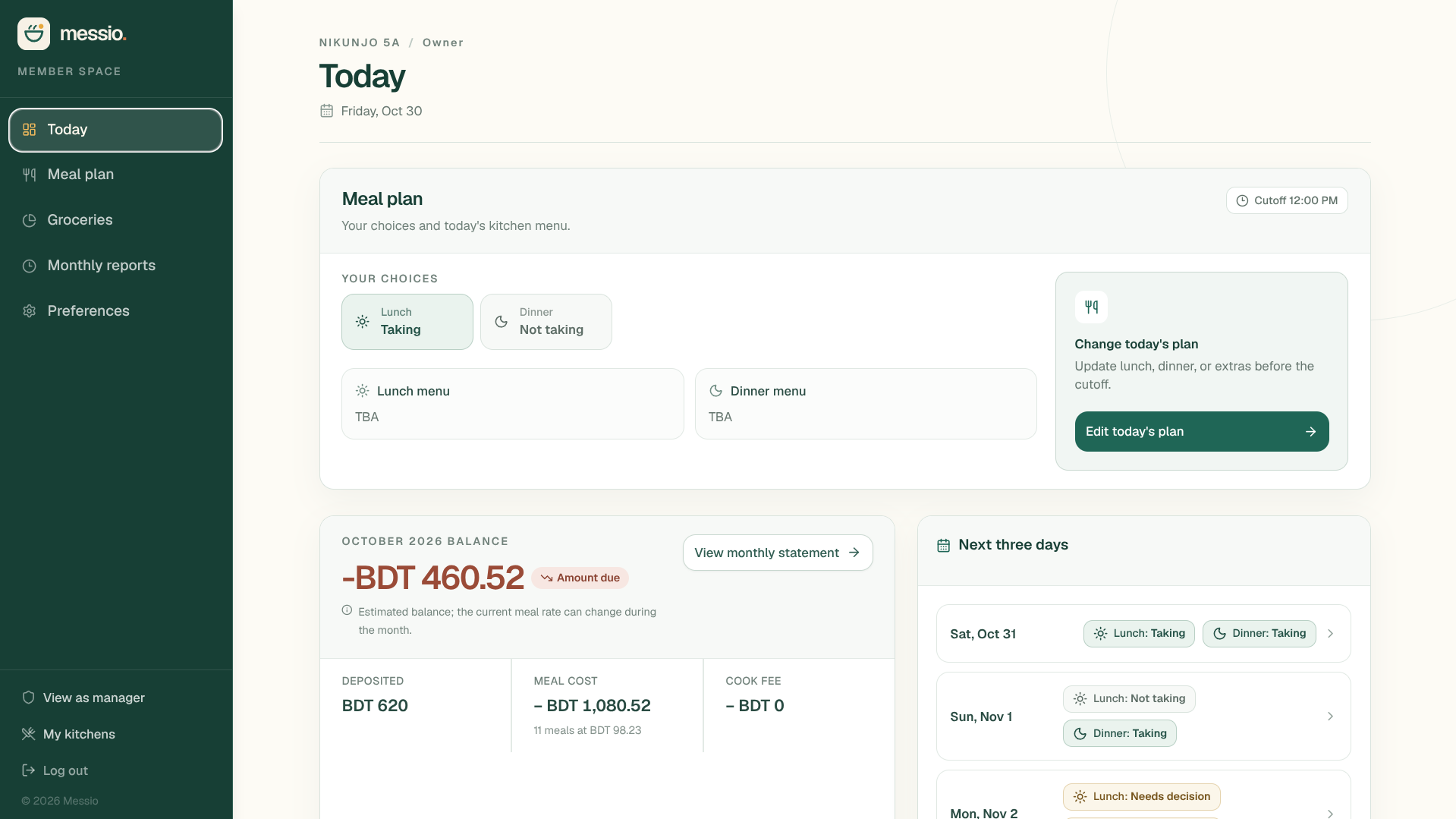
Member dashboard
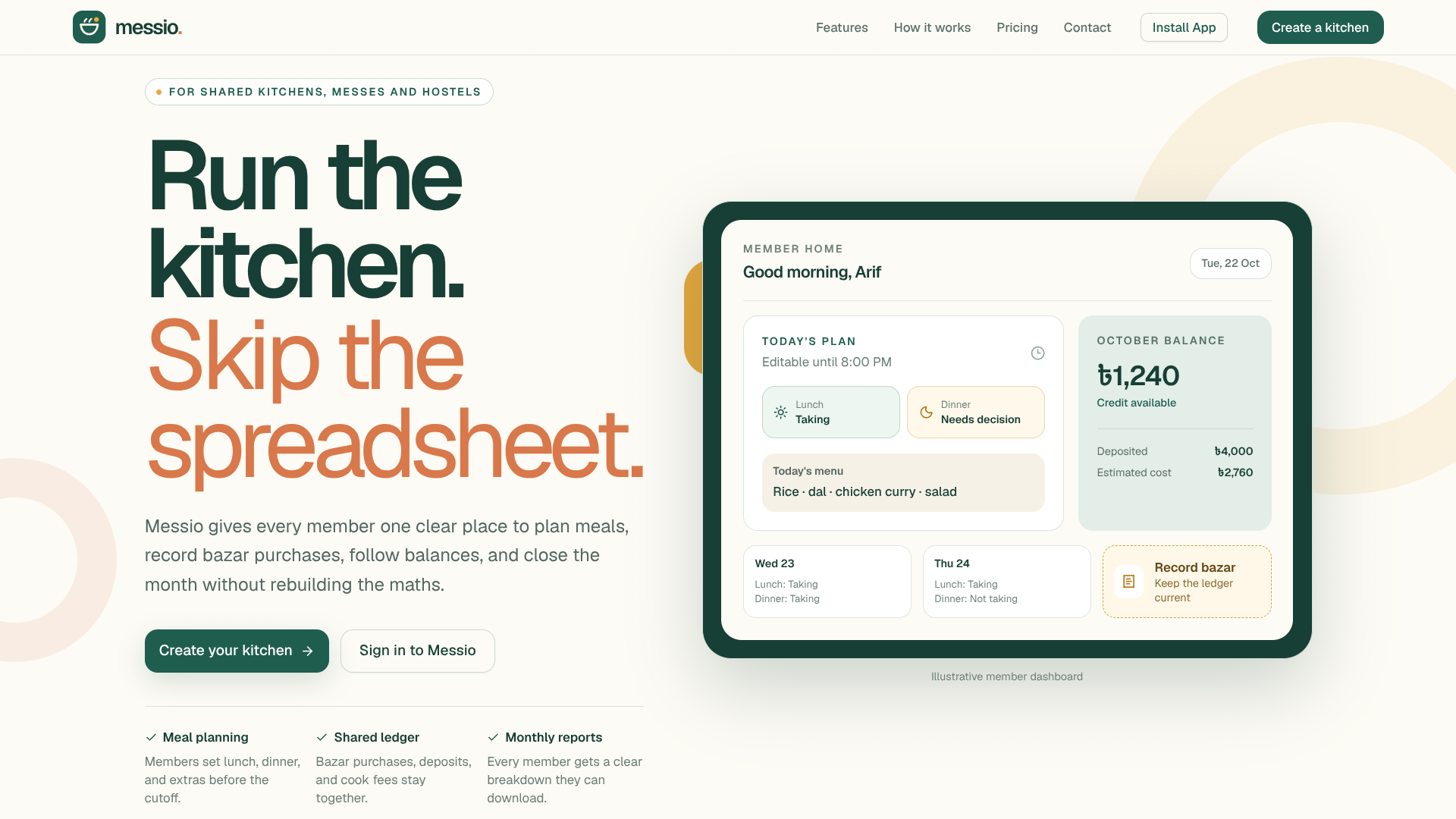
Members can review today's meals, check their balance, and see upcoming meal plans in one place.
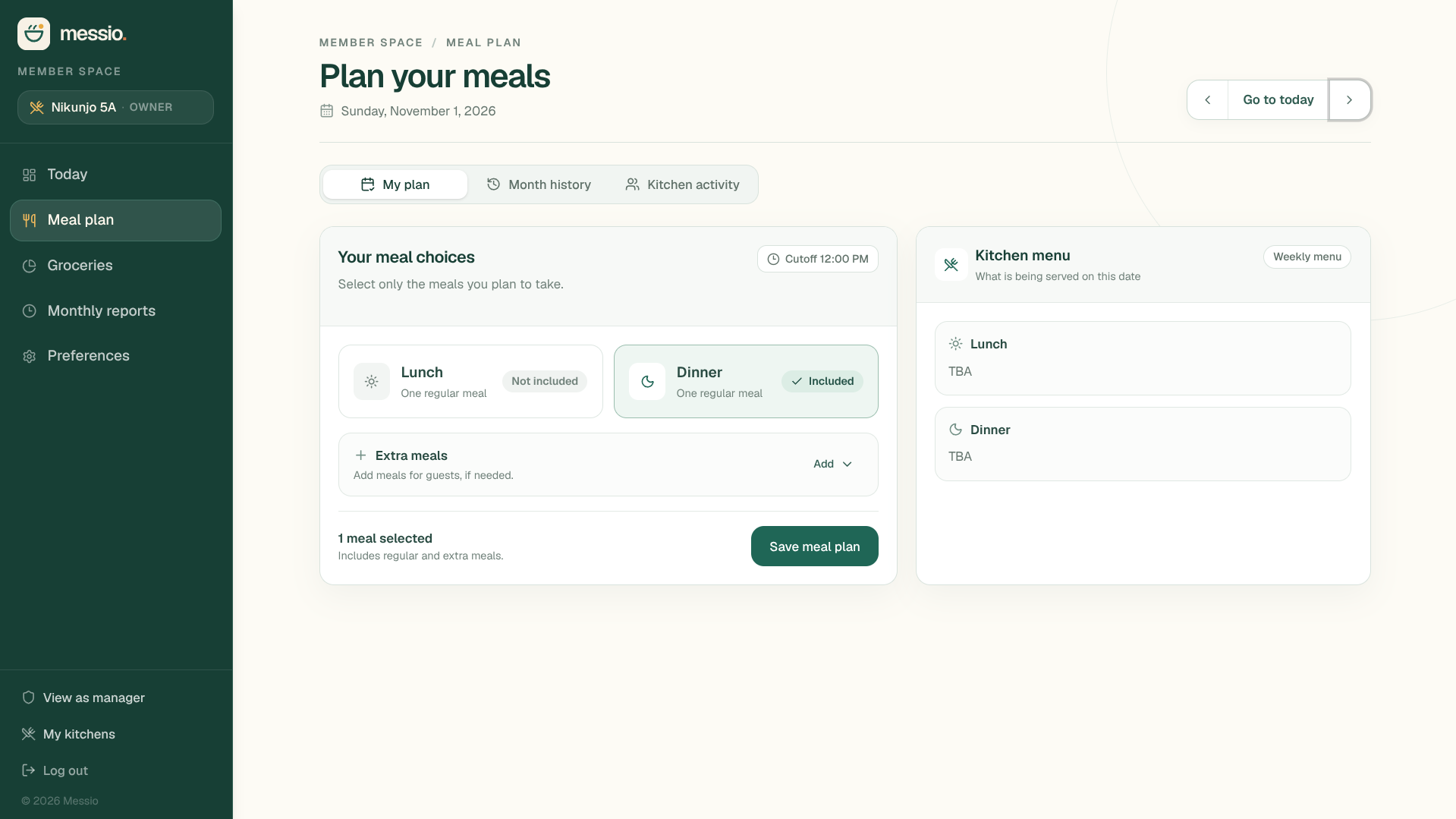
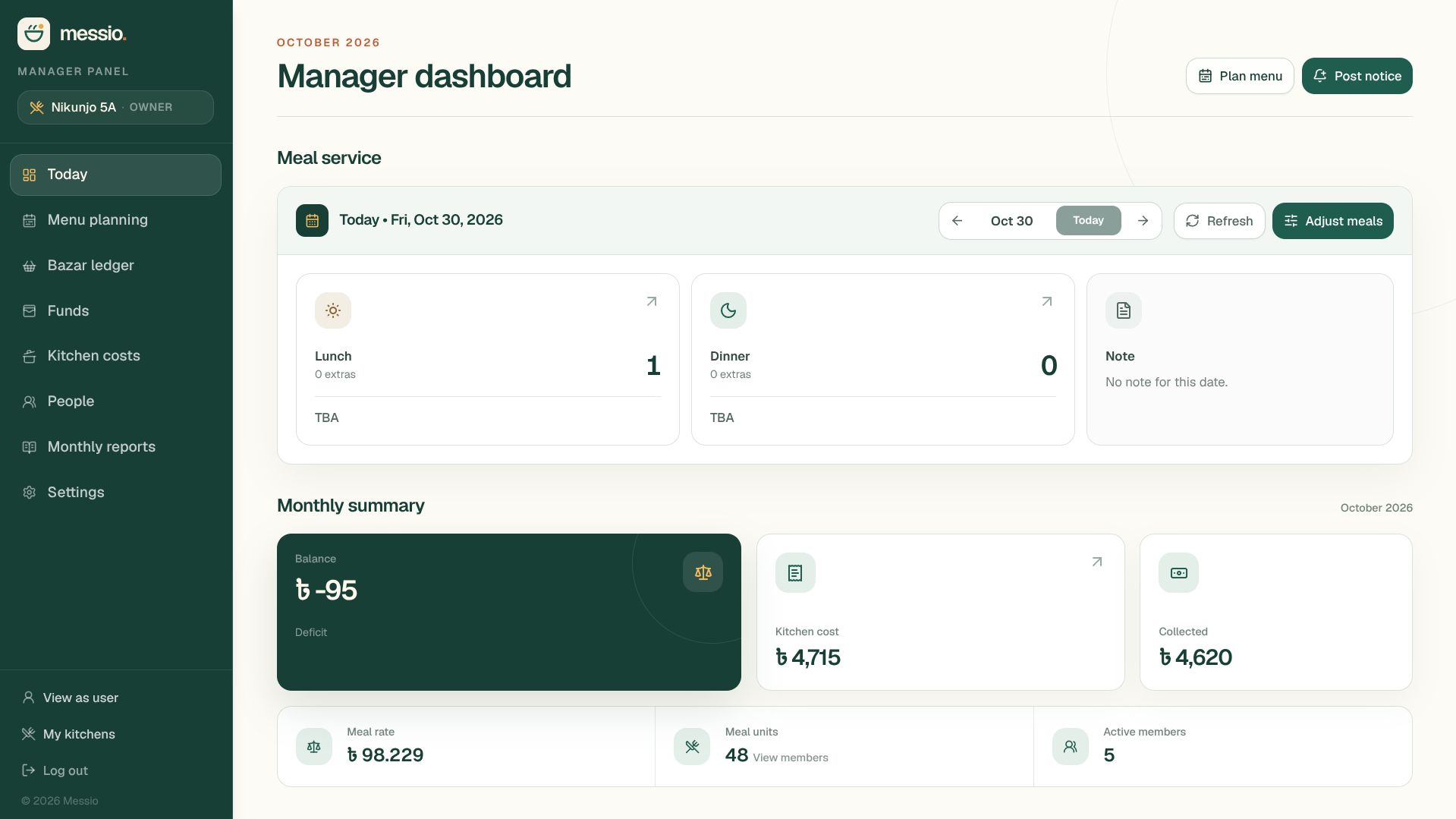
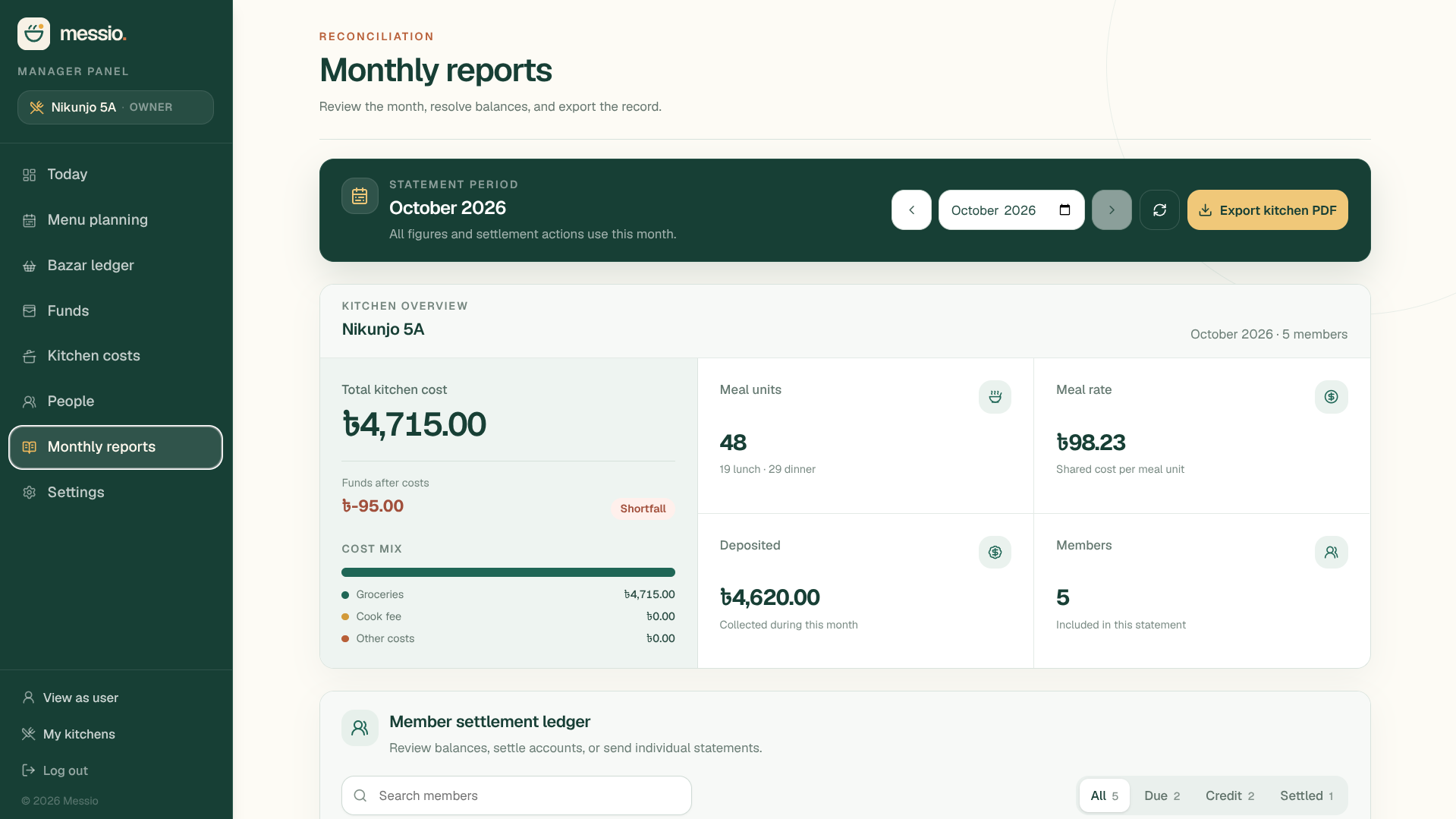
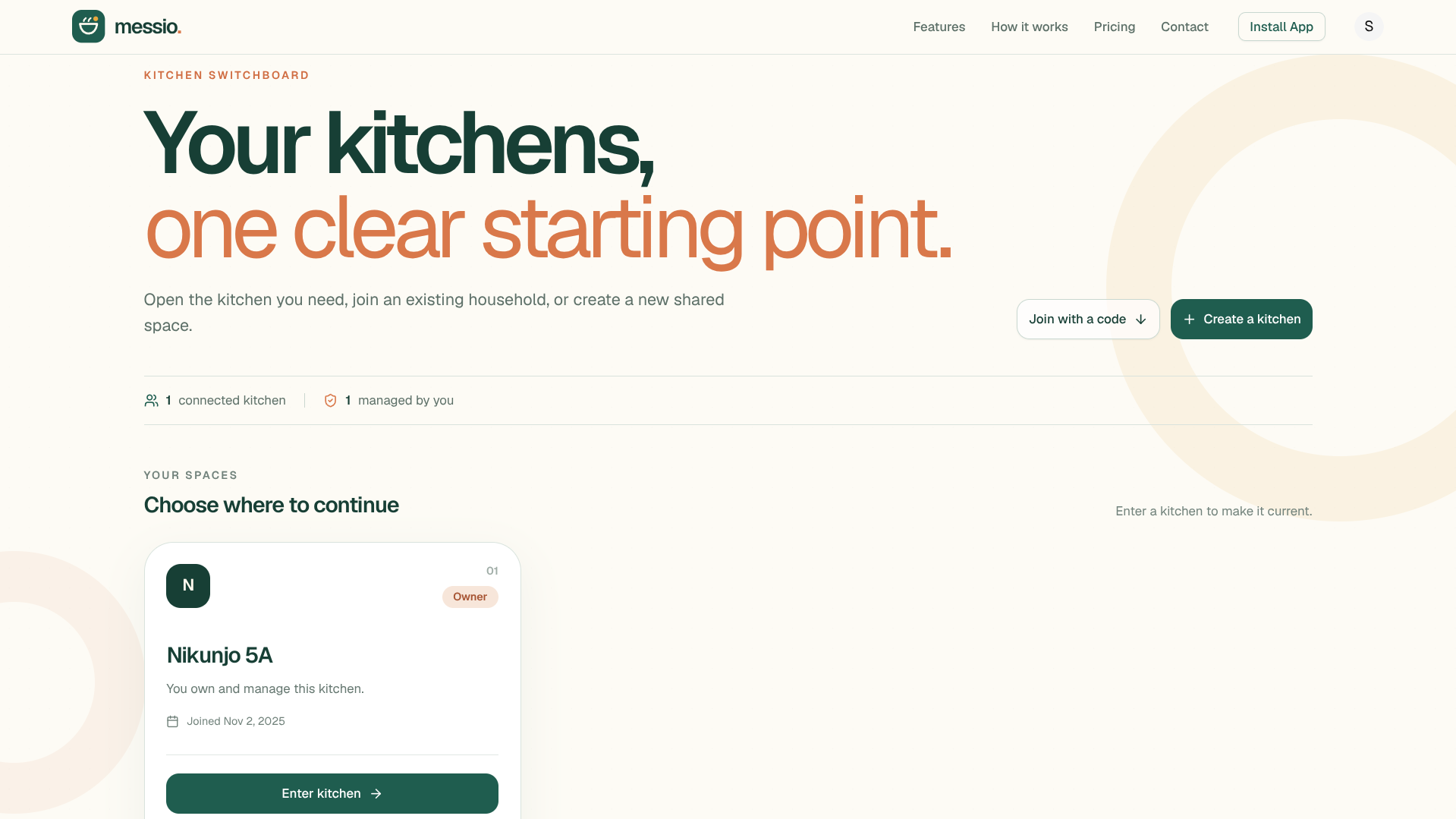
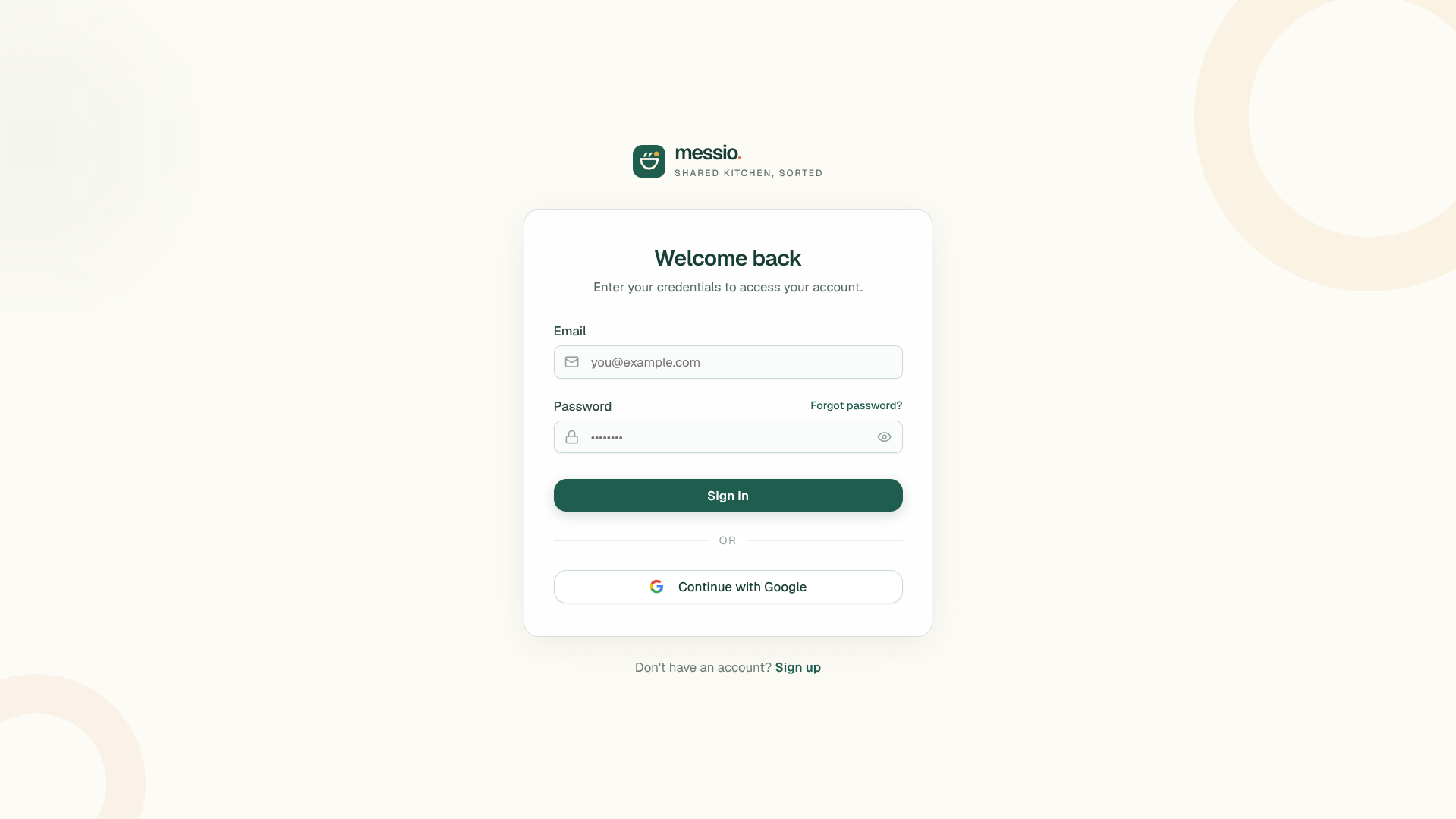
More screens · kitchen selection, landing page, and sign in
Background
Why I built Messio
Since starting university, I have lived in a shared flat with other students. Like many student messes and bachelor households in Bangladesh, we cook meals together in a shared kitchen and divide the costs among the people eating there.
We relied on Google Sheets and manual records to track bills, meal counts, groceries, and household shopping expenses. Keeping those records up to date was a hassle for all of us. I started building Messio to solve that everyday problem, shaping the application around our own routines and the needs of others living in similar arrangements.
I continue to add features and fix bugs based on their feedback. Living with the same shared-kitchen responsibilities that the application supports keeps its development connected to real needs.
Product
From daily planning to monthly close
Members record meals and view menus. Managers coordinate membership and kitchen operations. Purchases, fees, and deposits feed the month-end meal rate, member balances, and downloadable reports.
Meals and menus
- Daily breakfast, lunch, and dinner planning
- Weekly menu templates and date-specific changes
- Meal history and costs
Kitchen operations
- Multiple kitchens with Owner, Manager, and Member roles
- Invitations, join requests, and member management
- Leave requests, approvals, and notices
Expenses and reports
- Shared grocery and expense records
- Automated meal rates and member balances
- Monthly summaries and downloadable PDF reports
01
Daily activity
Members plan meals, managers update menus, and shoppers record kitchen purchases.
02
Kitchen records
Meal, expense, deposit, and fee records stay associated with their kitchen.
03
Month-end view
The records feed meal rates, member balances, summaries, and PDF reports.
Engineering decisions
How the product shapes the system
Messio uses Next.js and TypeScript for its web application and APIs, with MongoDB for kitchen, membership, meal, and financial records. These product requirements shape how those records are organized.
- Keep records tied to a kitchen
- A person can belong to multiple kitchens. Meals, expenses, deposits, and fees stay associated with the kitchen whose records produce the balance.
- Give members and managers distinct workflows
- Members plan meals and review their balances. Managers coordinate kitchen operations and review attendance and finances. Owner, Manager, and Member roles shape access to those workflows.
- Connect daily records to month-end totals
- Meal, purchase, deposit, and fee records feed the meal rate, member balances, and monthly reports. The reporting view brings those records together at the end of the month.
A closer look
Engineering case studies
People return to Messio to plan meals and review shared expenses. These case studies explore who can access a kitchen’s records and how long a browser should stay signed in.
Security · Member permissions
Controlling access to kitchen data in Messio
A security review found that some membership checks still accepted suspended members. I tightened kitchen selection and the affected meal and expense routes to require active membership.
Read case studyAuthentication · Session lifecycle
Balancing convenience and session security in Messio
Users reported having to sign in every day. I added an optional remembered session that renews for 15 days at a time, with a fixed 60-day limit and the existing 8-hour default.
Read case study